UUCB uses a church database and communication system called Realm. This system organizes contact information for our members and friends, makes it easier to communicate with one another, and allows congregants to keep track of and manage their financial gifts to the church.

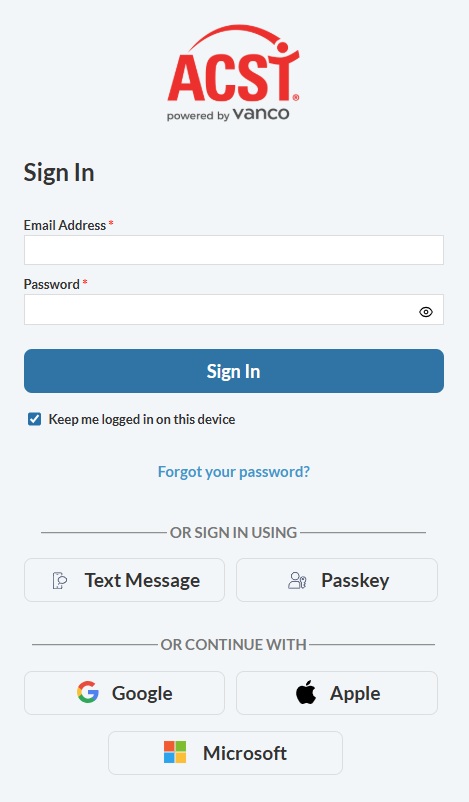
When you click “Sign In,” you will enter your email address and then your password. If you’ve forgotten your password, click “Forgot your password?” and Realm will send you an email with instructions to reset it.
If you are a UUCB Member or Friend and do not yet have a Realm login, please email or call the church office to request an invitation.
The mobile app
To download the mobile app, click on the following link. You will have the choice of getting either the Apple or Android version. Or you can go on your phone to either the Apple App Store or the Google Play store and download the Connect App.

Next steps
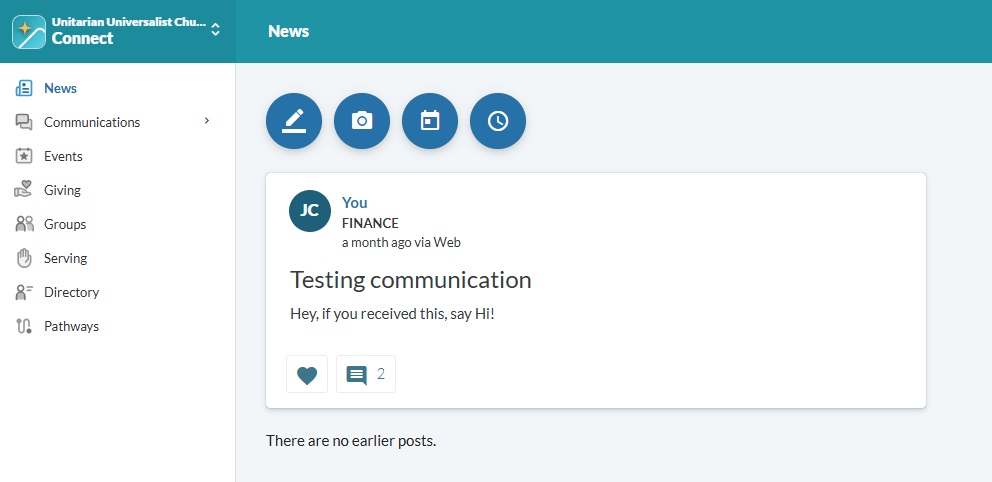
Once you have logged into Realm, you will see a home screen similar to the one below. The menu on the left-hand side includes the following sections:
News: Shows news and updates posted to groups you belong to. You can also share news items and photos or schedule an event.
Communications: Provides tools for communicating with other members and groups at UUCB. For instructions on using these features, visit
the Realm Communication Guide.
Events: Displays events scheduled by UUCB members and groups that have been made public.
Giving: Allows you to view your contributions to UUCB, make new gifts, schedule recurring payments (including automatic payments through a bank account), update your pledge information, and generate a tax statement.
Groups: Shows the groups you currently belong to and gives you the opportunity to explore and join other groups.
Serving: Share the days and times you are available to volunteer, along with your skills and interests.
Directory: Displays contact information for UUCB members and friends who have agreed to be included in the church directory.
Editing your profile
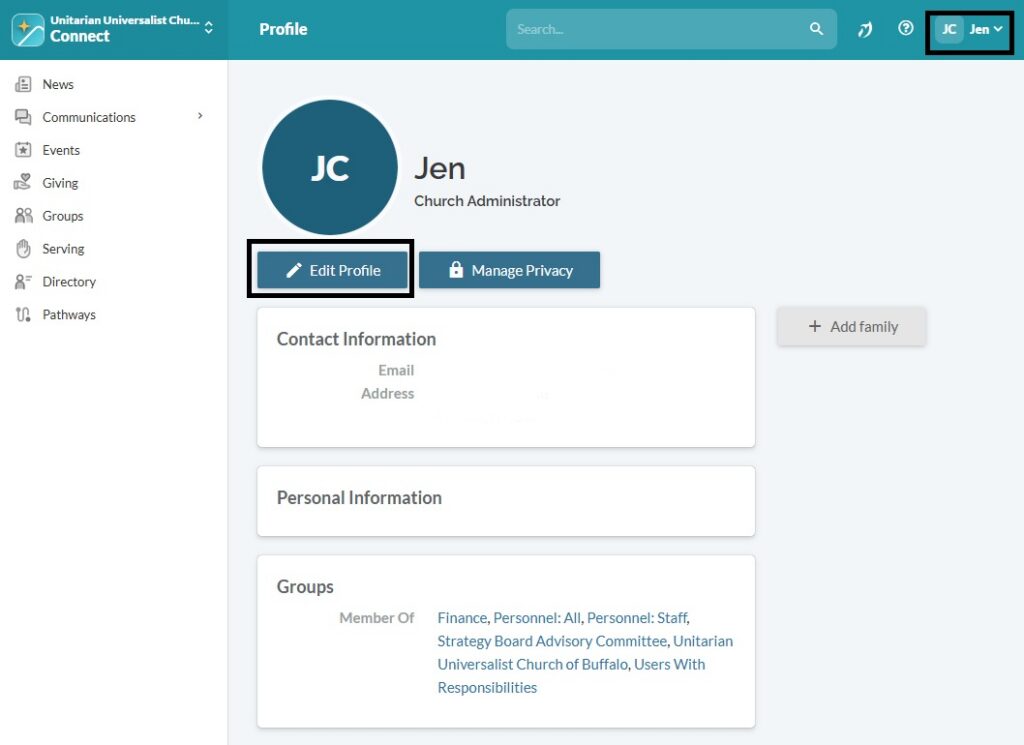
In order to allow others to reach you, it is important that you keep your information up to date. In Realm, this information is called your profile. To edit your profile, click on your name in the top of the window and choose My Profile. On the screen that then appears, click on Edit Profile. You will be able to edit all of your contact information, like address and phone number, as well as personal information, like birthday.
Finding people and groups
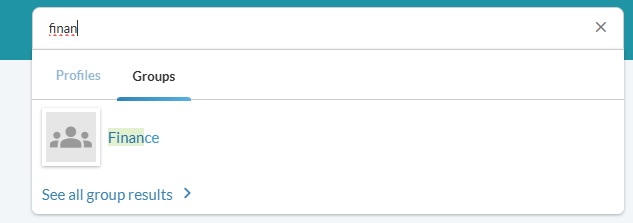
It is very easy to find both people and groups in Realm! Just go to the search box at the top of every screen and start typing in the name of the person, either first or last, or the name of the group. As you type, the names that match will be displayed. In the example shown below, two people are listed because of a match to their name, and one group is listed because one of the leaders of that group was a name match.